
From chats to bookings in three steps
Set up your profile, send clients a link, and get bookings with reminders. The whole setup takes about two minutes, right inside Telegram.
Set up your profile and services
Add your name and specialty, add services with duration and price, set your working hours. All of it right inside the Mini App, no website and nothing to install.
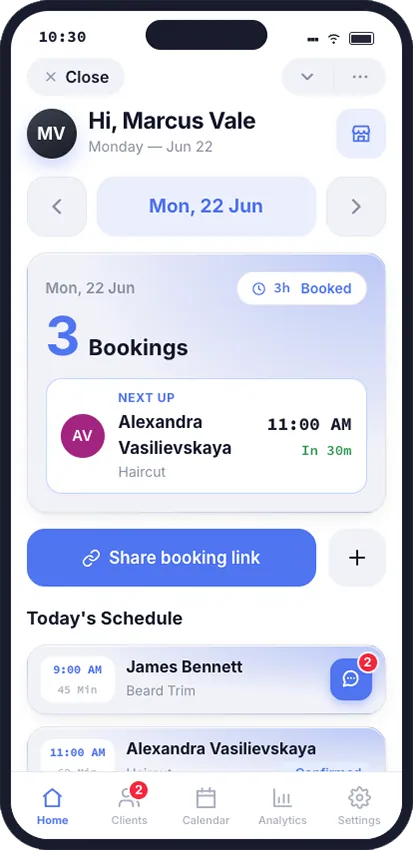
Send clients a link
One link to your booking page - in a chat, a story, or your bio. The client opens it, picks a service and an open slot, and confirms the booking. No sign-up on a new website.
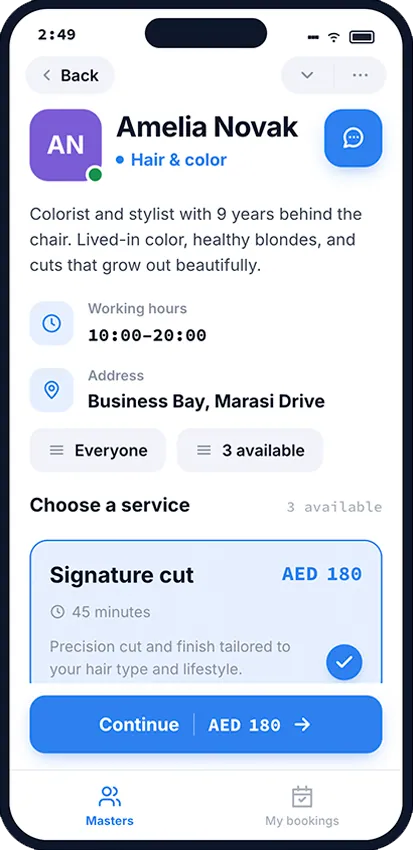
Get bookings and reminders
New bookings show up in your calendar, the client is added to your base, and reminders go out automatically before the visit. All you do is show up.
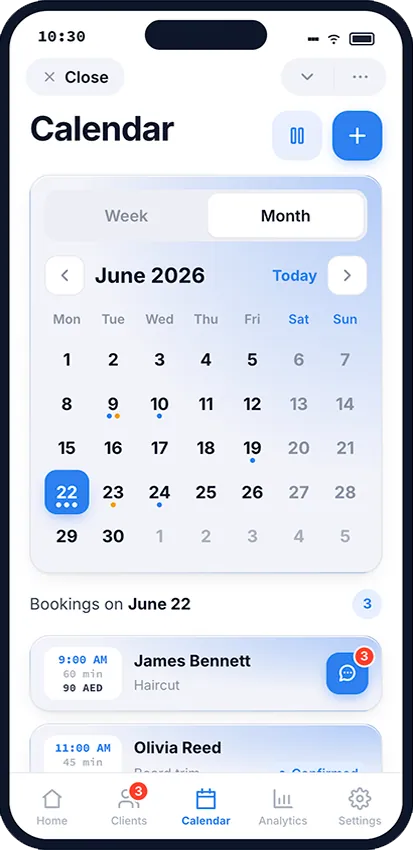
What you get right away
No spreadsheets and no manual messages - just a schedule that works.
Set up your booking page in Telegram
Three steps and a couple of minutes - and clients book themselves.
Open in Telegram